 Anonaconda Code Lab
What it does
Camera or import
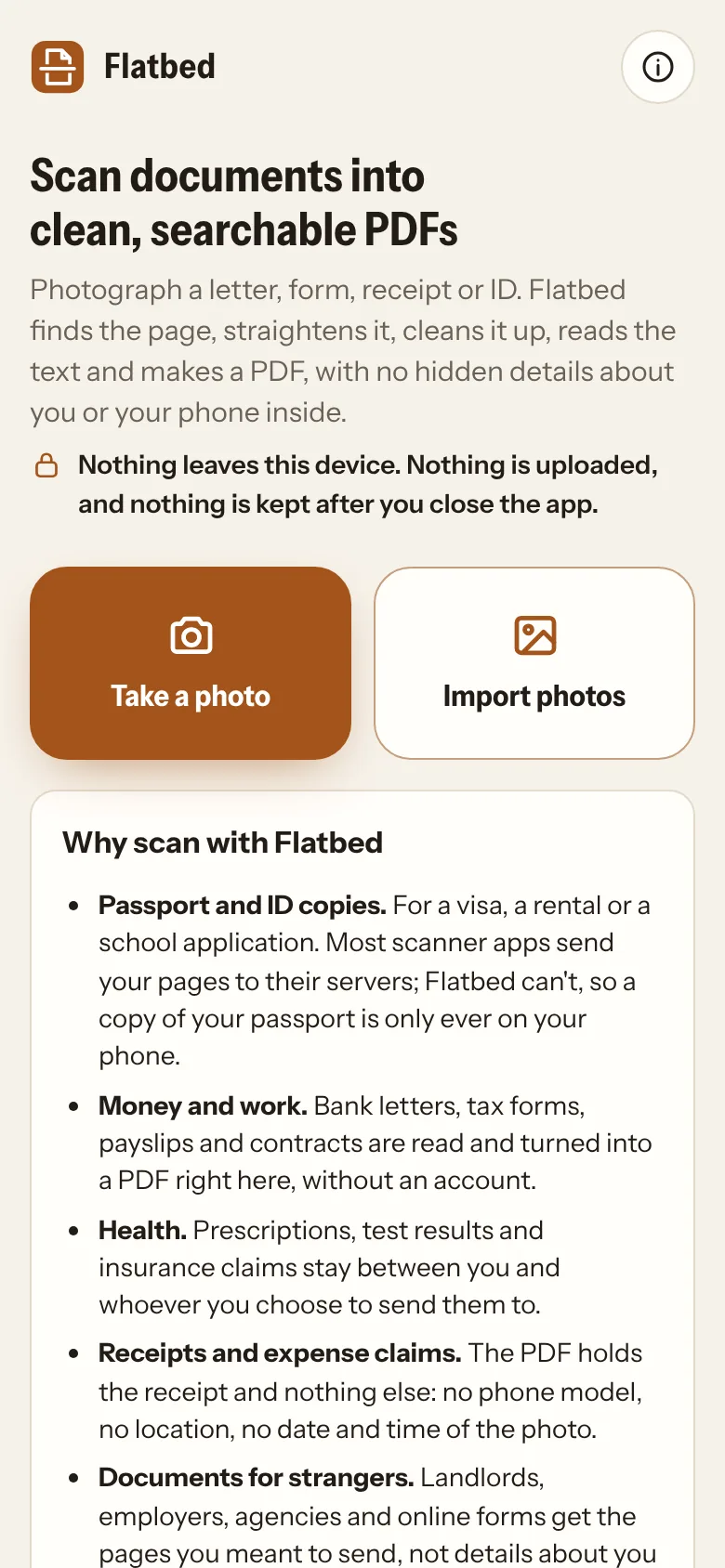
Take a photo with a live view that outlines the page, or import photos from your gallery. In the Android app, Share → Flatbed works from any app.
Finds and flattens the page
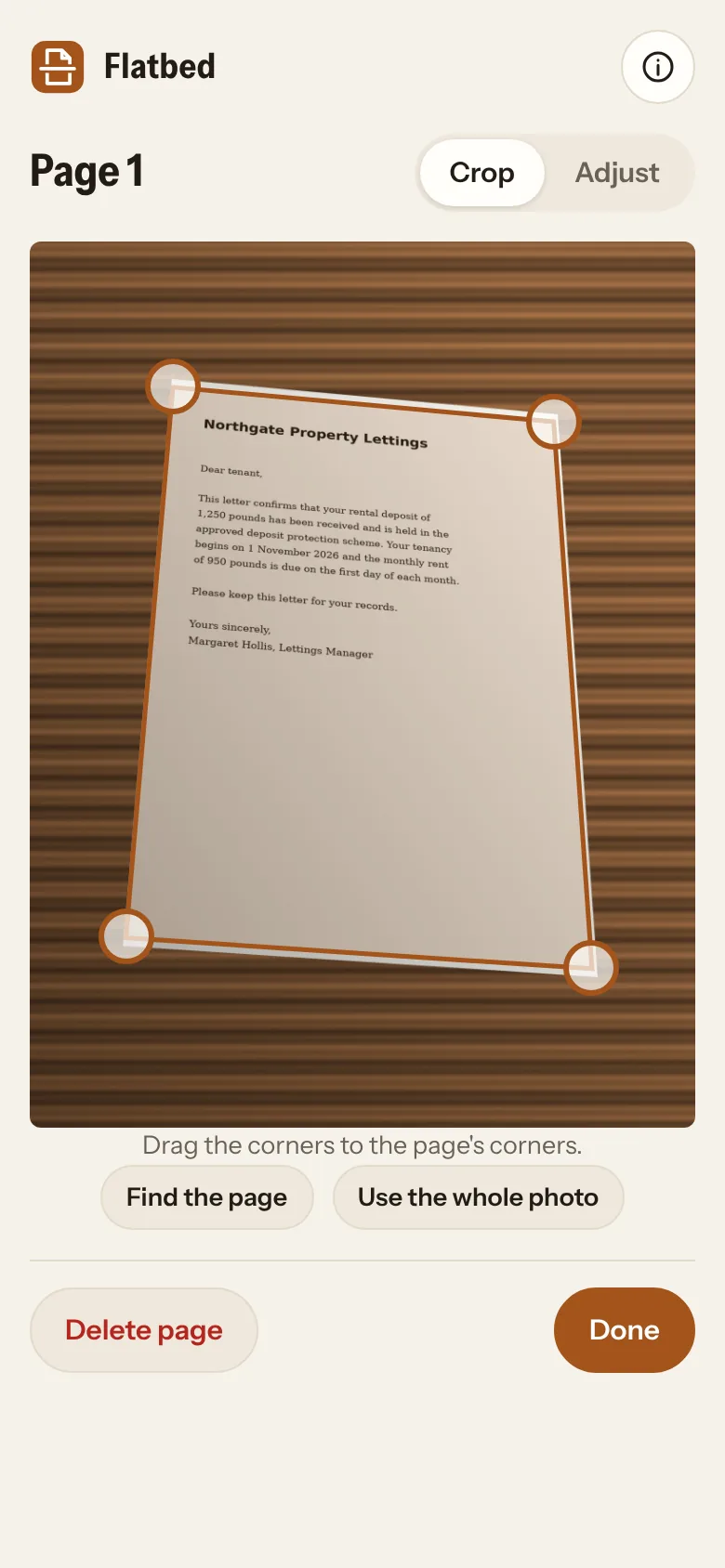
The corners are found automatically (drag them if needed, with a magnifier), and the page is flattened as if it had been on a scanner’s glass. Slightly tilted lines of text are levelled.
Clean pages
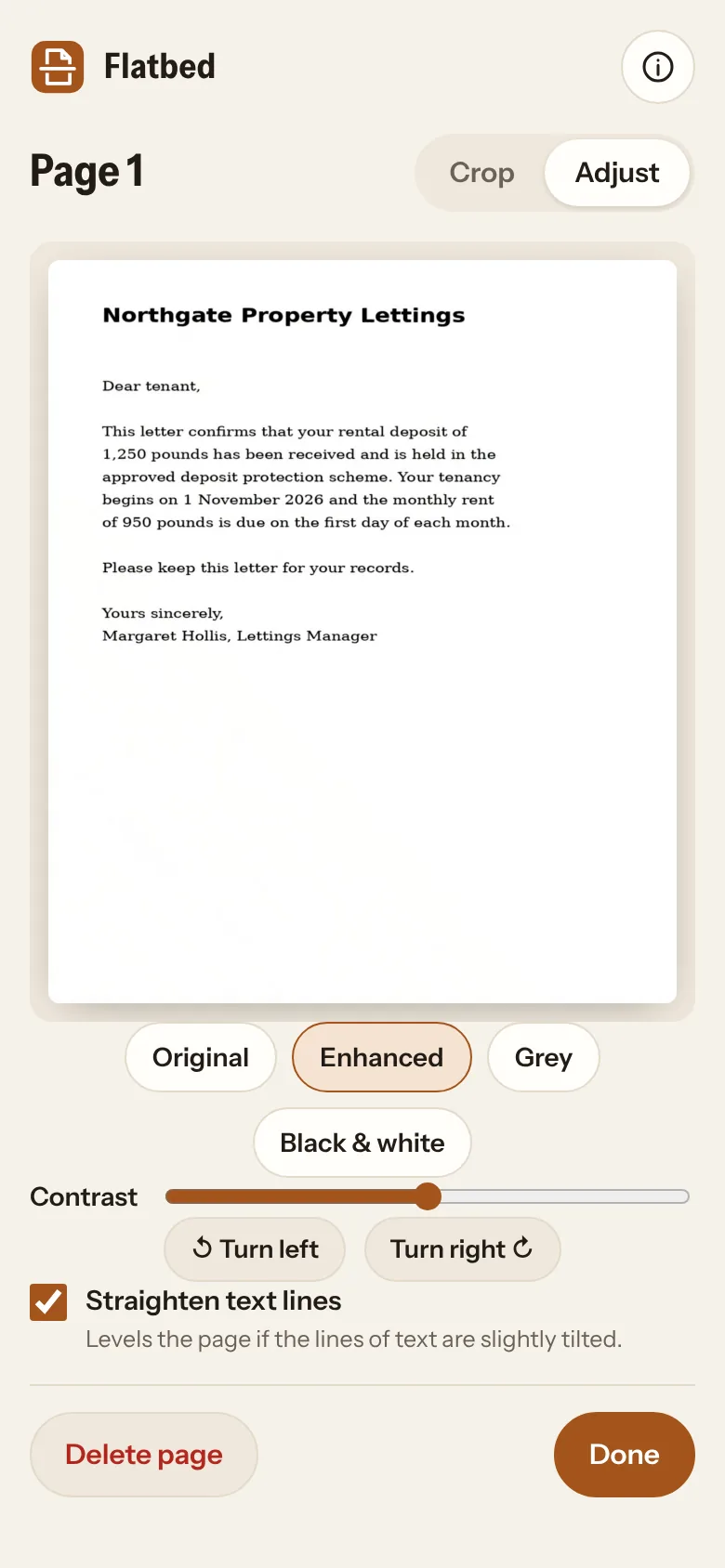
Enhanced removes shadows and uneven light and makes the paper white; Grey and Black & white for plain text; a contrast slider and 90° turns.
Searchable PDFs
The text is read and added as an invisible layer, so you can search the PDF and copy its text. Copy or save the text on its own, too.
Reads text offline
Text recognition runs on your device, with English, French, Spanish, German and Thai built in. Nothing is sent anywhere to be read.
Several pages
Add as many pages as you need and put them in order. A4, Letter, or the shape of what you scanned, such as a receipt or a card.
No hidden details
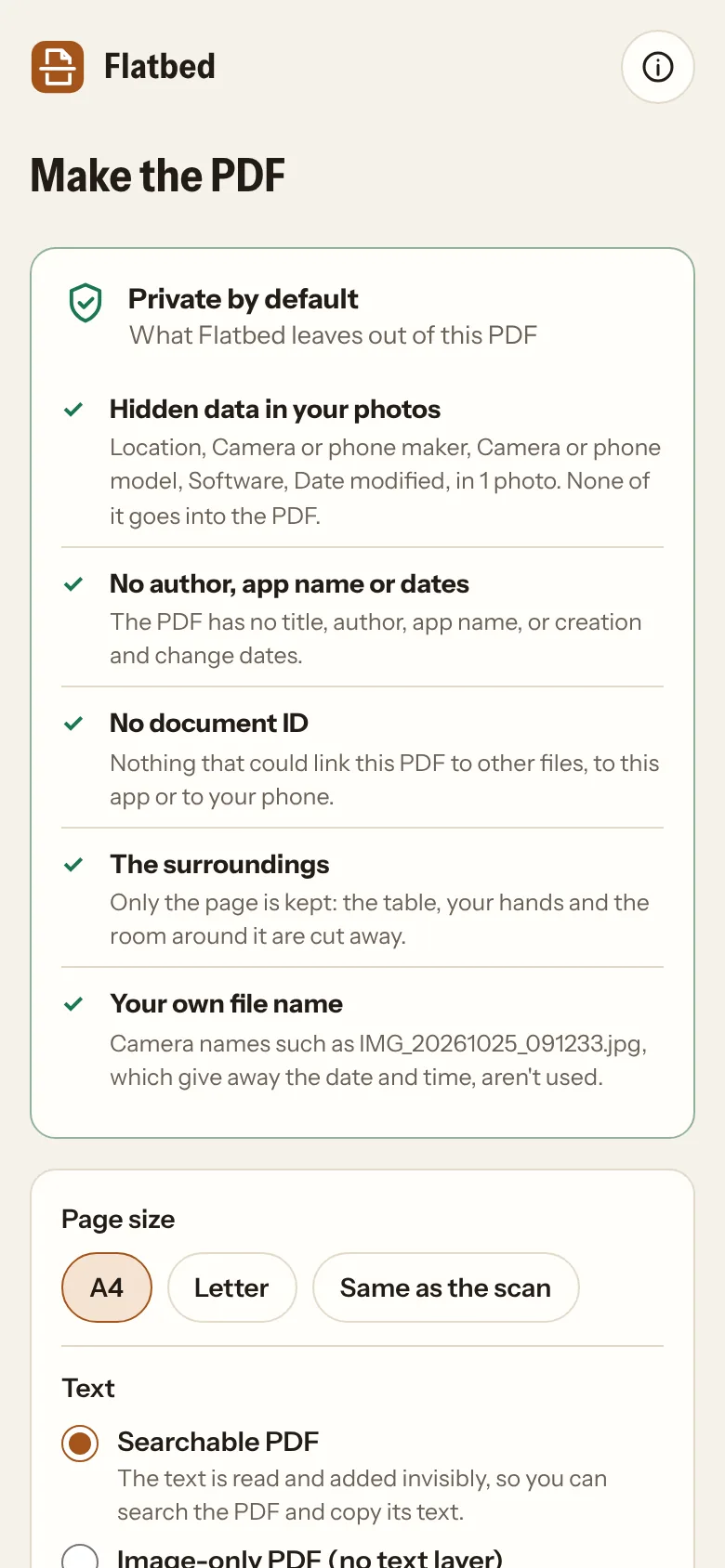
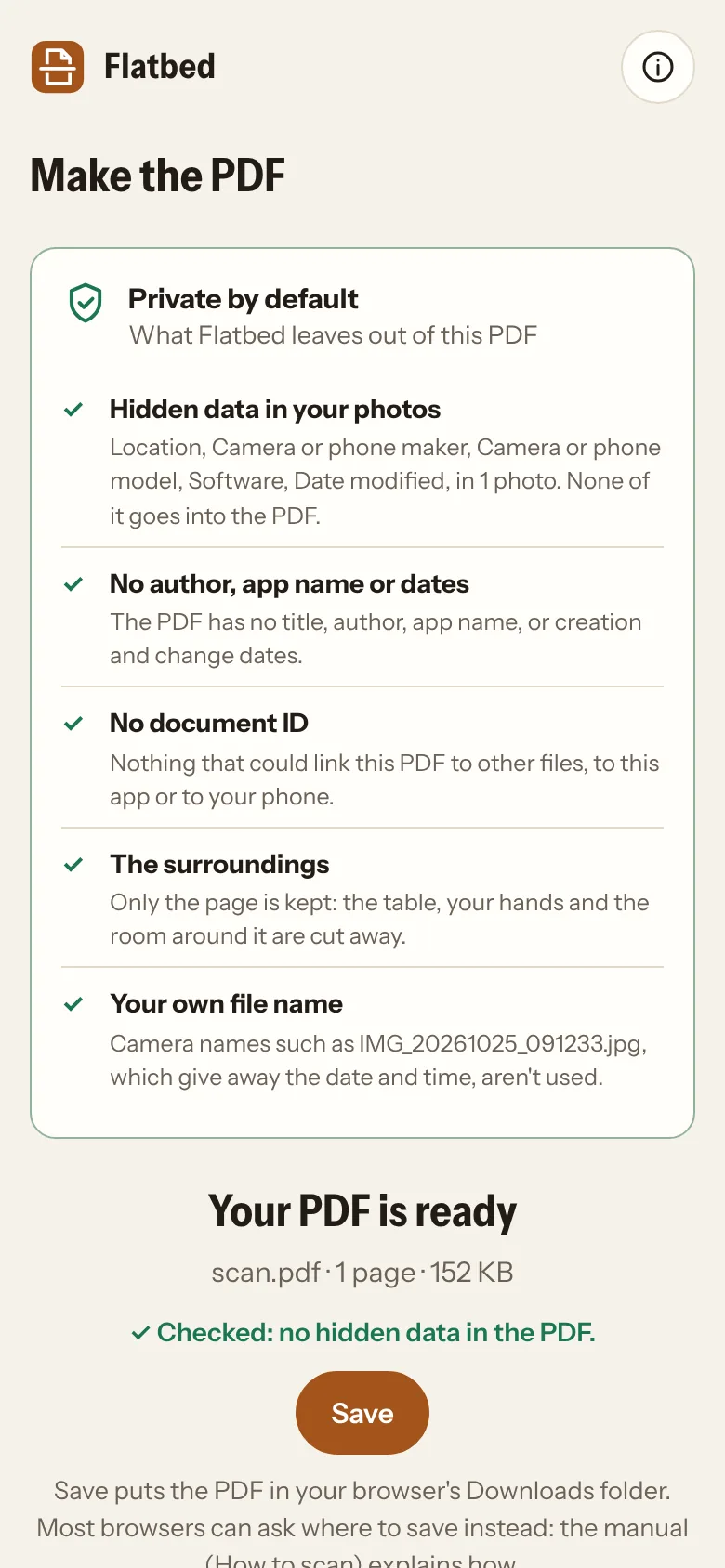
Pages are redrawn from the picture alone, so no location, phone model or time from your photos reaches the PDF. The PDF has no author, app name, dates or document ID.
Checked before you save
Every PDF goes through the same cleaner as Unmarked and is checked before it’s offered: “Checked: no hidden data in the PDF”.
Image-only option
Prefer the text not to be copyable, for example on an ID copy? Make a PDF with no text layer at all.
Private by design
No account, no server, no analytics. The web app blocks every network connection; the Android app has no internet permission and no camera permission.
What you need
- Any modern browser on a phone, tablet or computer: Chrome, Edge, Brave, Firefox or Safari.
- Or the Android app, which uses your phone’s own camera app and adds Share → Flatbed.
- Photos in JPEG, PNG or WebP. HEIC photos need converting to JPEG first.
Questions
Is Flatbed really free?
Yes. No subscription, no account and no ads. If you find it useful, you can support it on Ko-fi.
Are my documents uploaded anywhere?
No. Everything happens on your own device, including reading the text. The web app blocks every network connection, and the Android app has no internet permission, so your pages can’t be sent anywhere.
How good is the text recognition?
Clear, printed text on a flat, well-lit page is usually read almost perfectly. Small print, creased pages, low light, unusual fonts and tables are harder, and handwriting isn’t read. Check important figures.
Which languages can it read?
English, French, Spanish, German and Thai, up to two at a time. More may follow.
Why doesn’t the Android app need camera permission?
It asks your phone’s own camera app to take the photo and hand it over, so Flatbed never controls the camera itself.
What can’t it remove?
What’s on the page itself: names, numbers, signatures and photos on the document. Cover anything you don’t want to send before you take the photo.
Why isn’t the Android app on Google Play?
Publishing there means registering with Google and handing over government ID, and Google is extending that check to apps installed from elsewhere. We think you should be able to install software you choose on a phone you own, so we support Keep Android Open and offer the app directly. The Android page explains how to install it and check it’s the official build.
Is the code open?
Flatbed is free software under the GNU GPL v3. The source code is on GitHub, and every Android release is built from it automatically, with a checksum to verify the download.
Flatbed is provided as it is, without any warranty. Check the PDF, and the recognised text, before you send anything important.