 Anonaconda Code Lab
What it does
Beeps you can’t miss
Three short beeps count you into and out of every work round, then a long high beep for go and a long low beep for stop. They are scheduled on the audio clock, so they stay on time.
16 presets
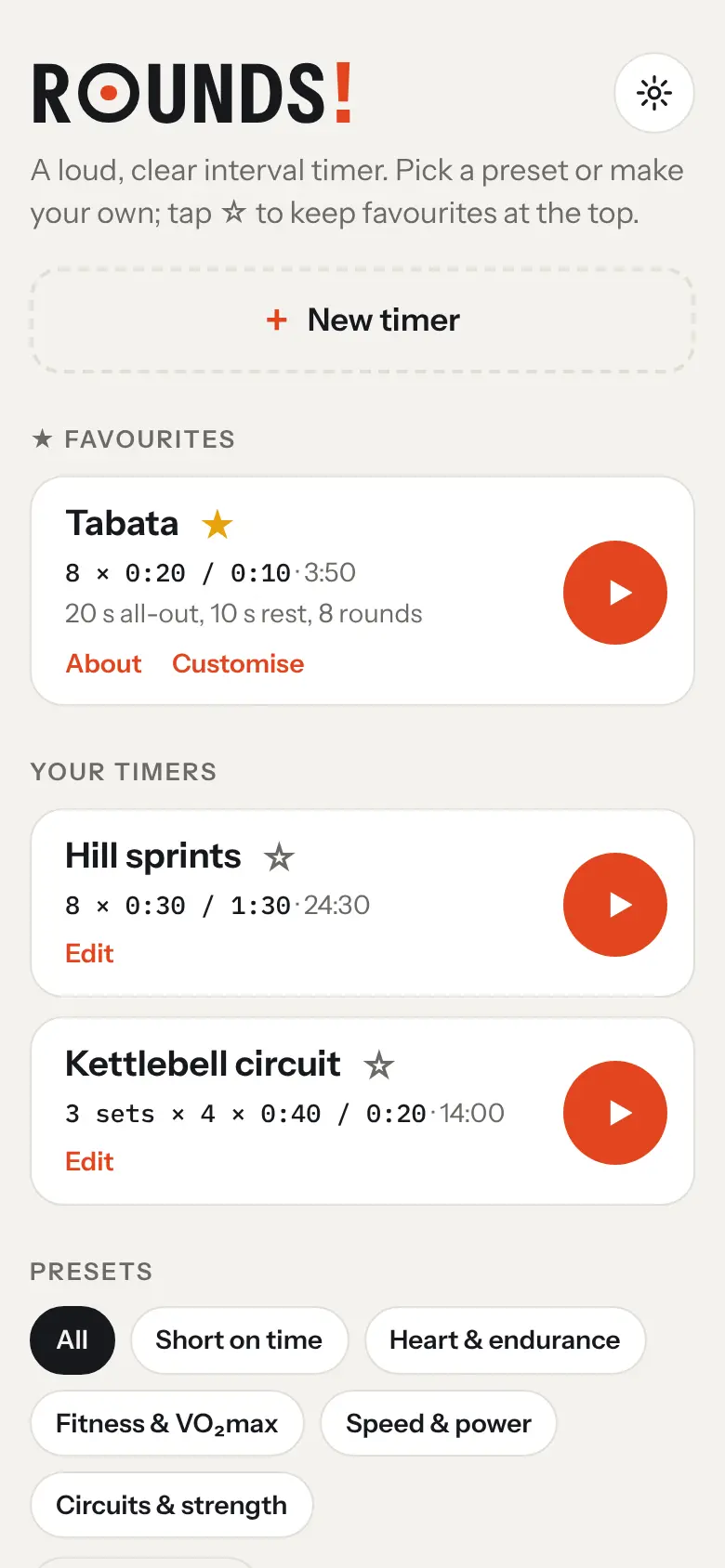
Tabata, the One-Minute Workout, Gibala intervals, the Little method, 10-20-30, 4 × 4 Norwegian, tempo intervals, a pyramid, fartlek, 30 / 30, EMOM, AMRAP, HIIT 40 / 20, boxing rounds and a core circuit.
Sorted for you
Filter the presets by goal: short on time, heart and endurance, fitness and VO₂max, speed and power, or circuits and strength. Or sort them from hardest to easiest.
Explained, with sources
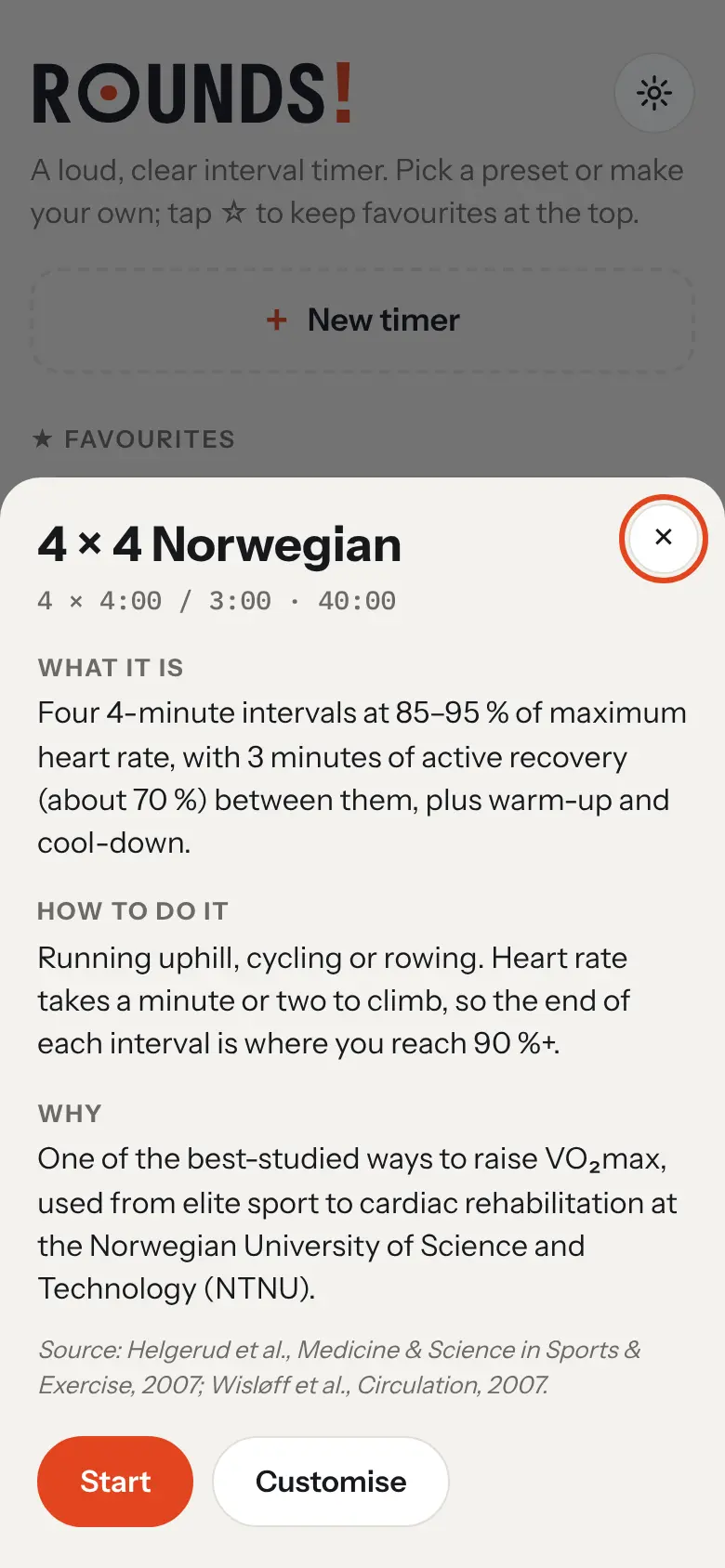
Each preset says what it is, how to do it and why it works, with the research it comes from.
Build your own
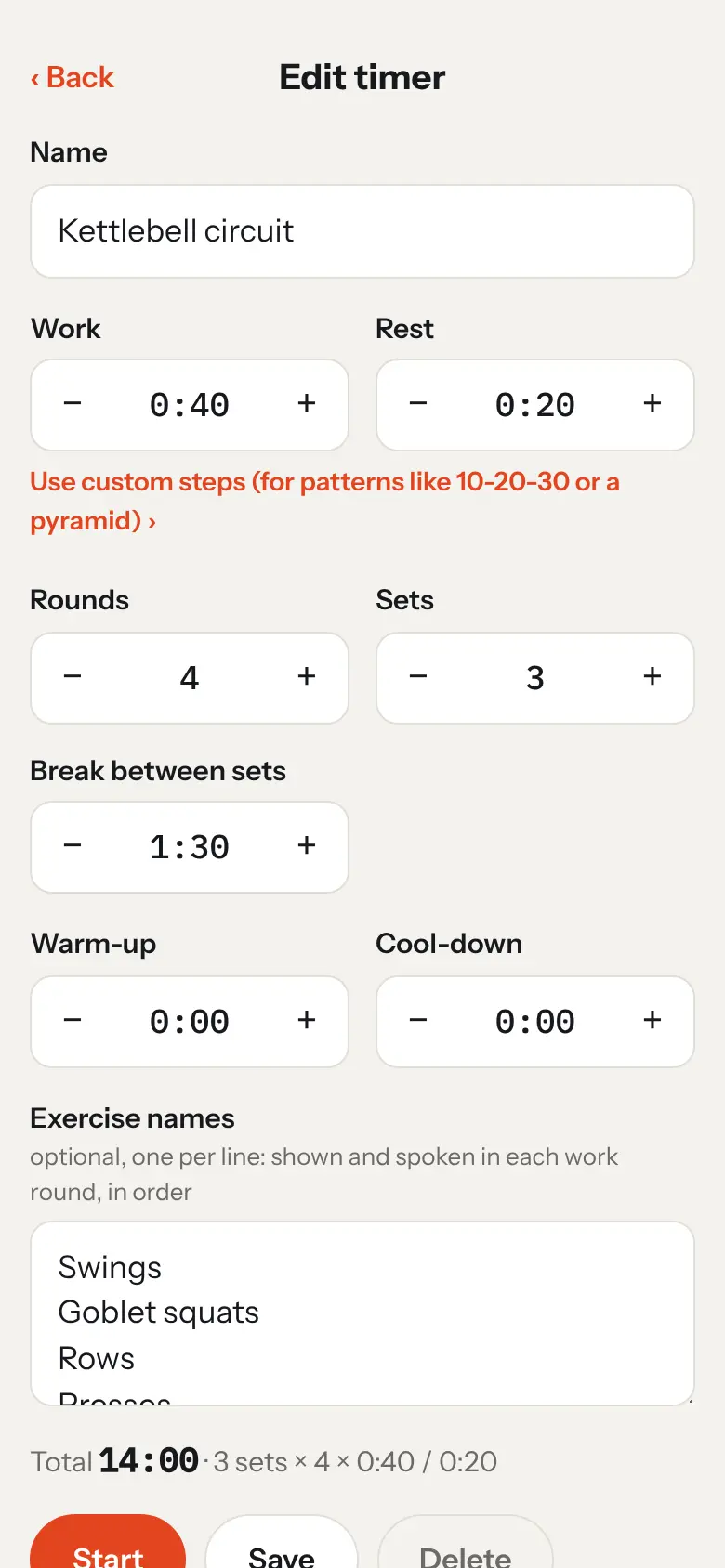
Work, rest, rounds, sets with a longer break between them, warm-up and cool-down. Custom steps handle patterns like 10-20-30 or a pyramid, and exercise names are shown in each work round.
Readable from across the room
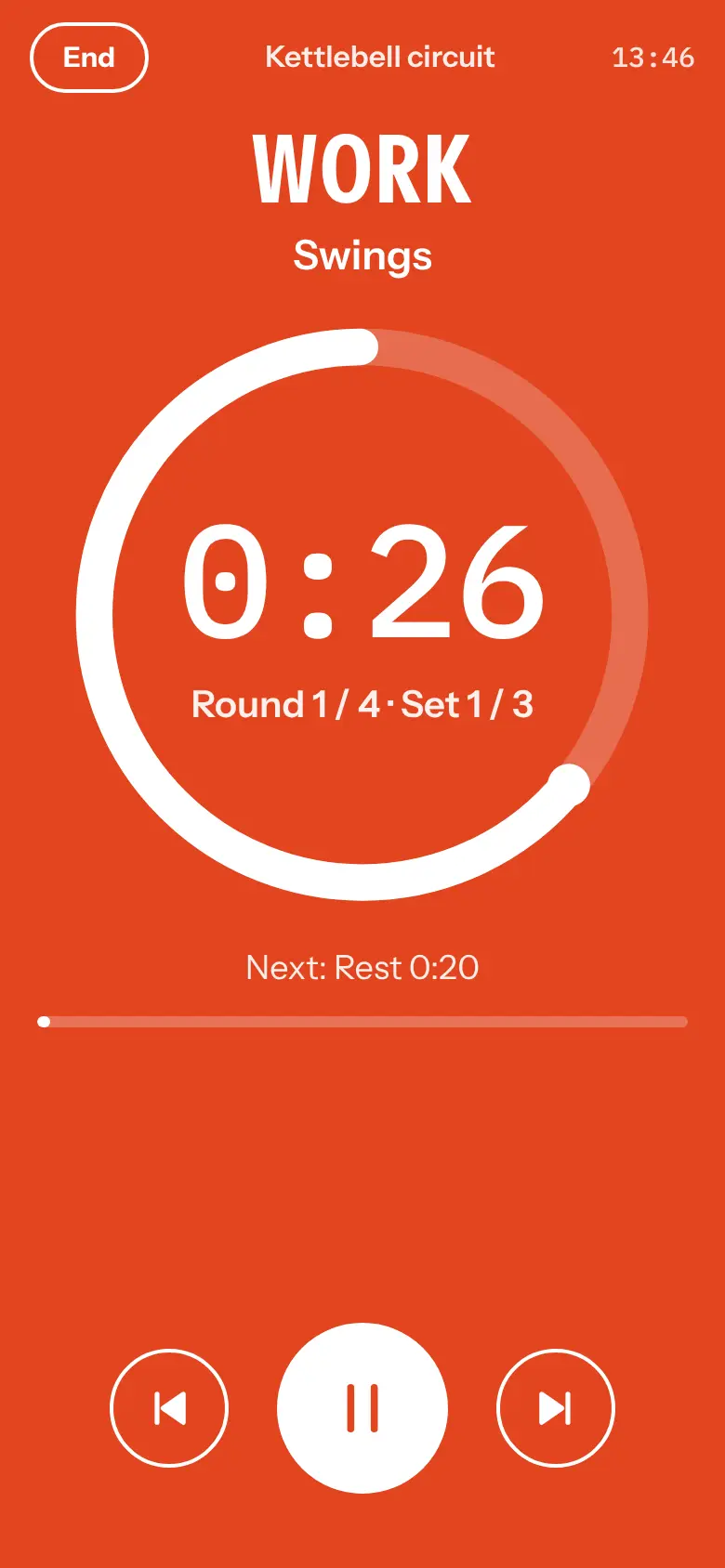
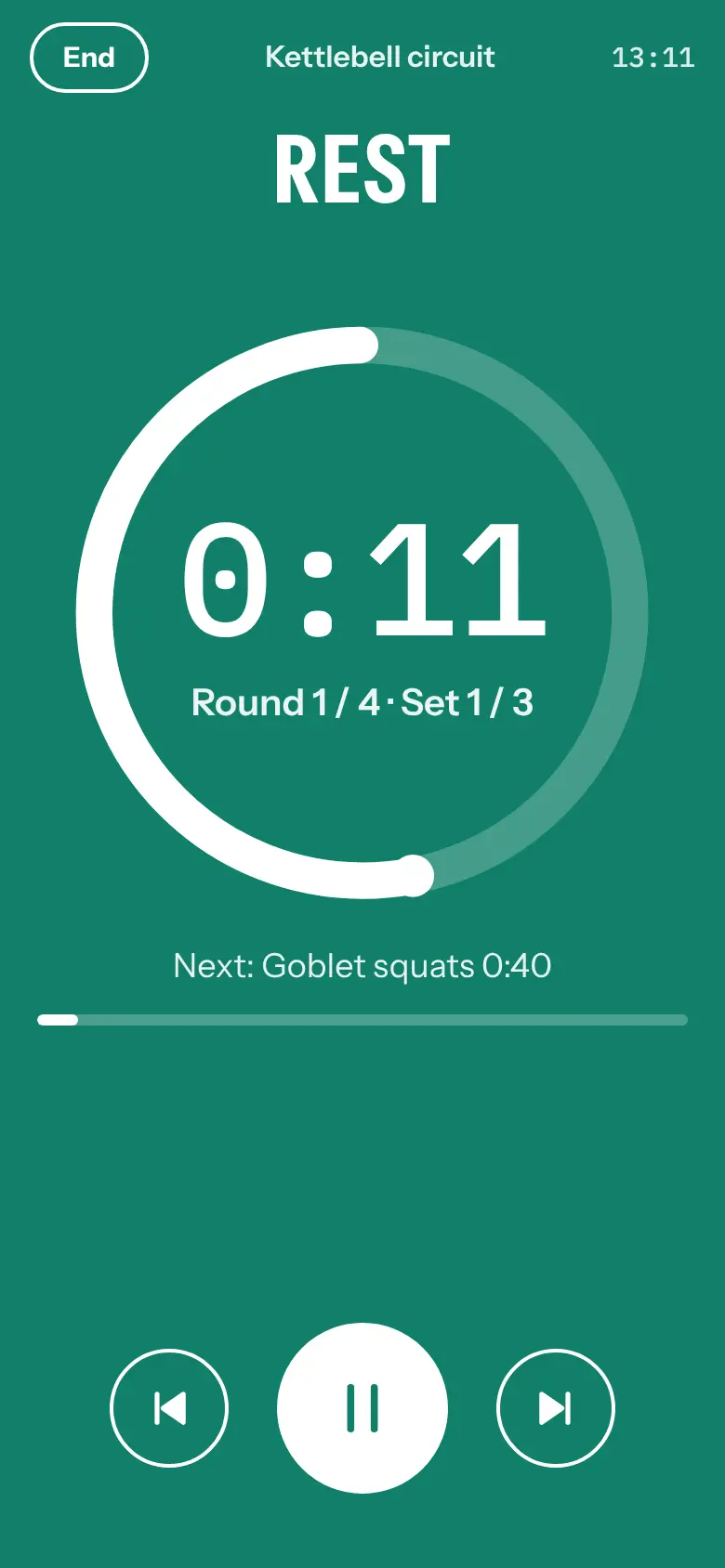
Big numbers, a ring that empties as the time runs down, and a full-screen colour for each phase: work, rest, set break, warm-up and cool-down.
Spoken cues and vibration
Optional voice cues (“Work”, “Rest”, “Round 3 of 8” and exercise names), a buzz at each change, and a halfway beep in long work rounds.
Heart rate (optional)
Connect any standard Bluetooth heart-rate strap or watch: Polar, Garmin, Wahoo, Coospo and most others. See your heart rate live, then your average and peak in the work rounds. Shown only, never saved or sent.
Favourites and backup
Star the timers you use most to keep them at the top. Save all your timers to a file and import them on another phone or browser.
Private and offline
No account, no server, no analytics. Your timers stay on your device, and it works without a connection once added to your home screen.
What you need
- Any modern browser on a phone, tablet or computer, or the Android app.
- For heart rate (optional): a Bluetooth heart-rate strap or watch, and Chrome or Chromium on Android or a computer, or the free Bluefy browser on iPhone and iPad.
Questions
Is Rounds really free?
Yes. No subscription, no account and no ads. If you find it useful, you can support it on Ko-fi.
Why can’t I hear the beeps?
Turn up the phone’s media volume (not the ringer), and check the phone isn’t muting media. Test the beeps in Settings plays them all.
Does it keep going when the screen is off?
In a browser, keep the screen on: Rounds does this for you while a timer runs, because browsers pause pages in the background. The Android app keeps the beeps and voice cues going with the screen off.
Where are my timers stored?
Only in your browser on your own device. Use Save timers to file in Settings to keep a backup or move them to another phone.
Does it work on iPhone?
Yes, the timer works in Safari and any other browser. For heart rate, use the free Bluefy browser, because Safari can’t use Bluetooth.
Can I install it like an app?
Yes: install the Android app, or use Add to home screen or Install app in your browser’s menu. It gets its own icon, opens full screen and works offline.
Why isn’t the Android app on Google Play?
Publishing there means registering with Google and handing over government ID, and Google is extending that check to apps installed from elsewhere. We think you should be able to install software you choose on a phone you own, so we support Keep Android Open and offer the app directly. The Android page explains how to install it and check it’s the official build.
Is the code open?
Rounds is free software under the GNU GPL v3. The source code is on GitHub, and every Android release is built from it automatically, with a checksum to verify the download.
High-intensity intervals are very demanding. If you are new to hard exercise or have a heart condition, check with a doctor first, and build up gradually. Stop if you feel unwell.