 Anonaconda Code Lab
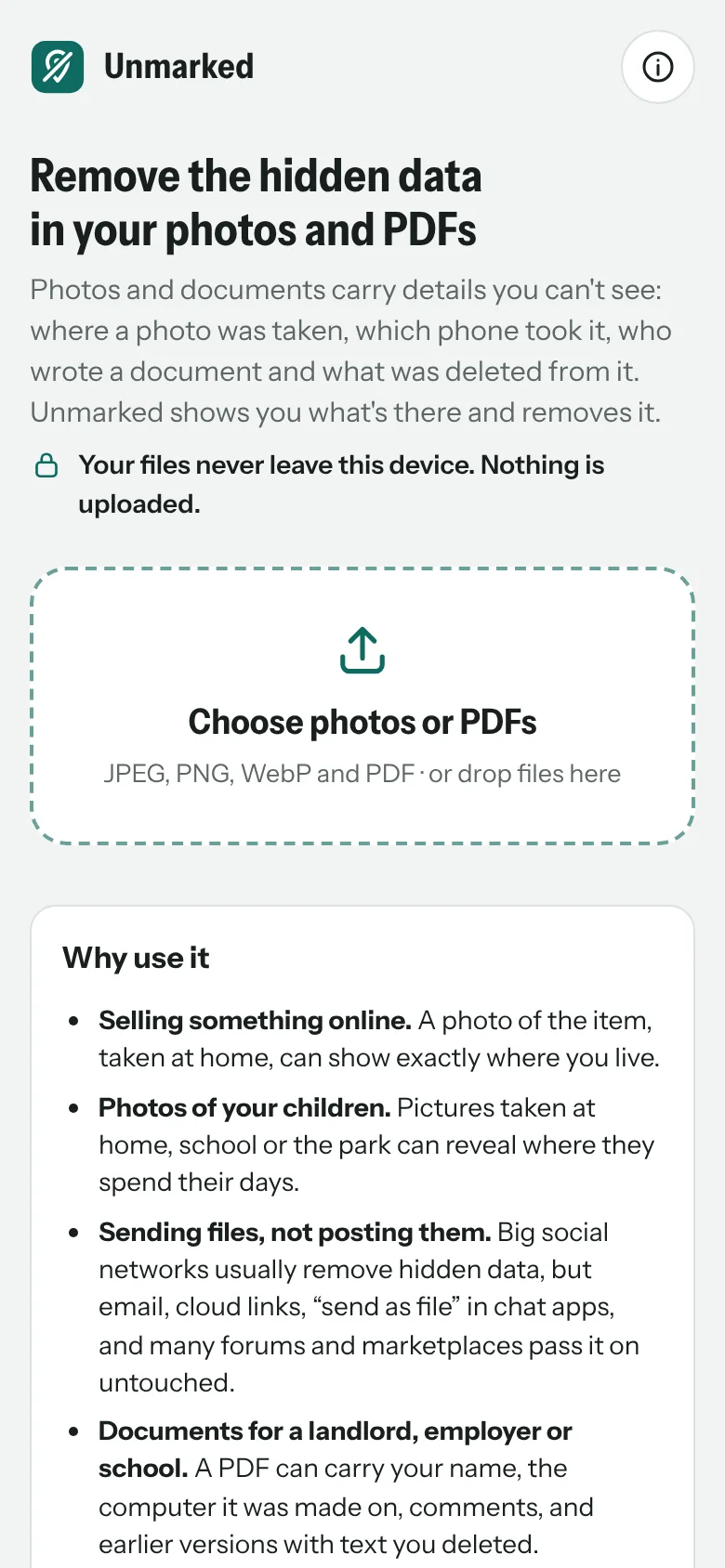
What it does
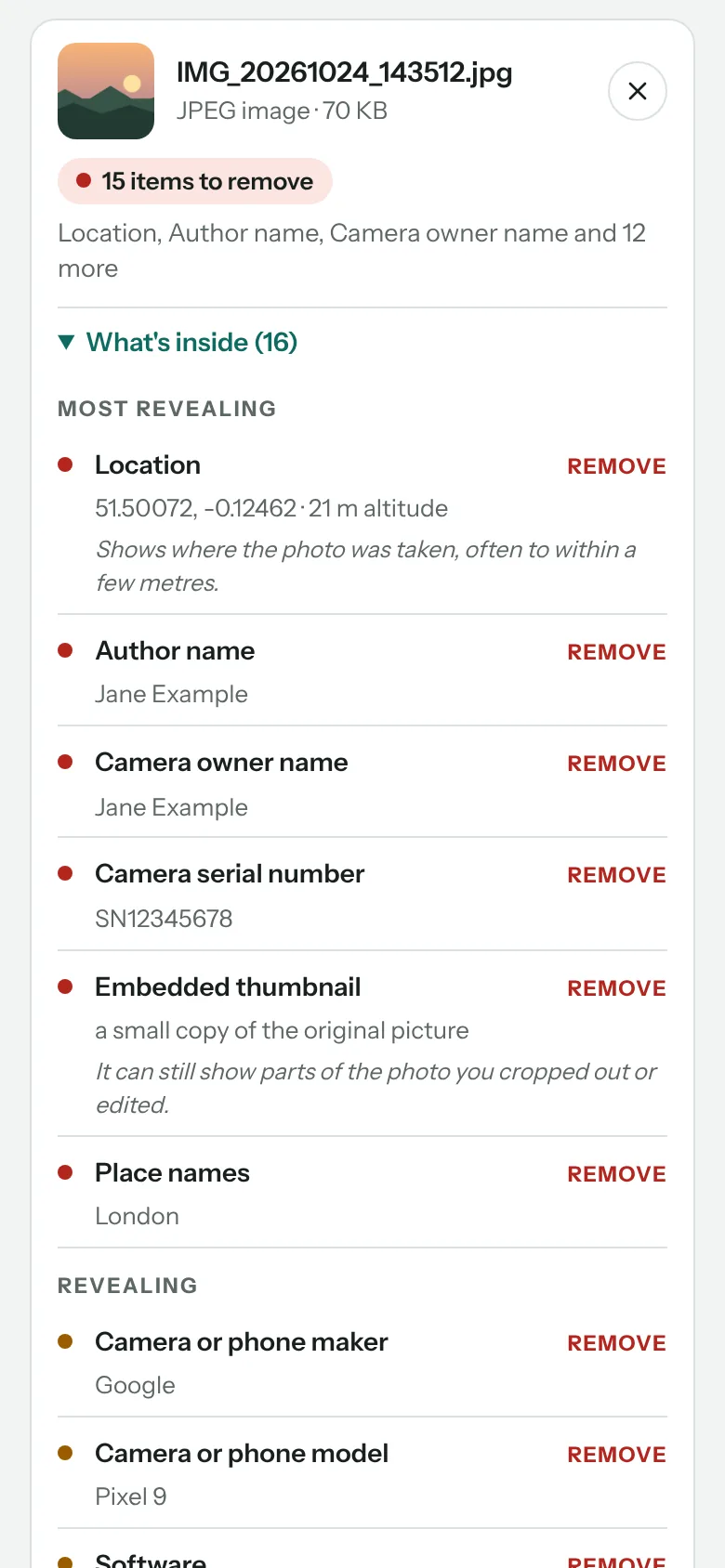
See what’s hidden
Each file is checked and its hidden data listed in plain words, most revealing first: location, names, phone or camera, serial numbers, dates, comments and more.
Photos: lossless
JPEG, PNG and WebP. The hidden data is cut out and the picture itself is copied unchanged, so there is no loss of quality. Only the rotation and colour profile stay, so the photo still looks right.
Location and more
GPS position and place names, owner and author names, phone model and serial numbers, dates and time zone, edit history, and the embedded thumbnail that can still show what you cropped out.
Motion photos
The short video clip some phones attach to a photo is removed too.
PDFs
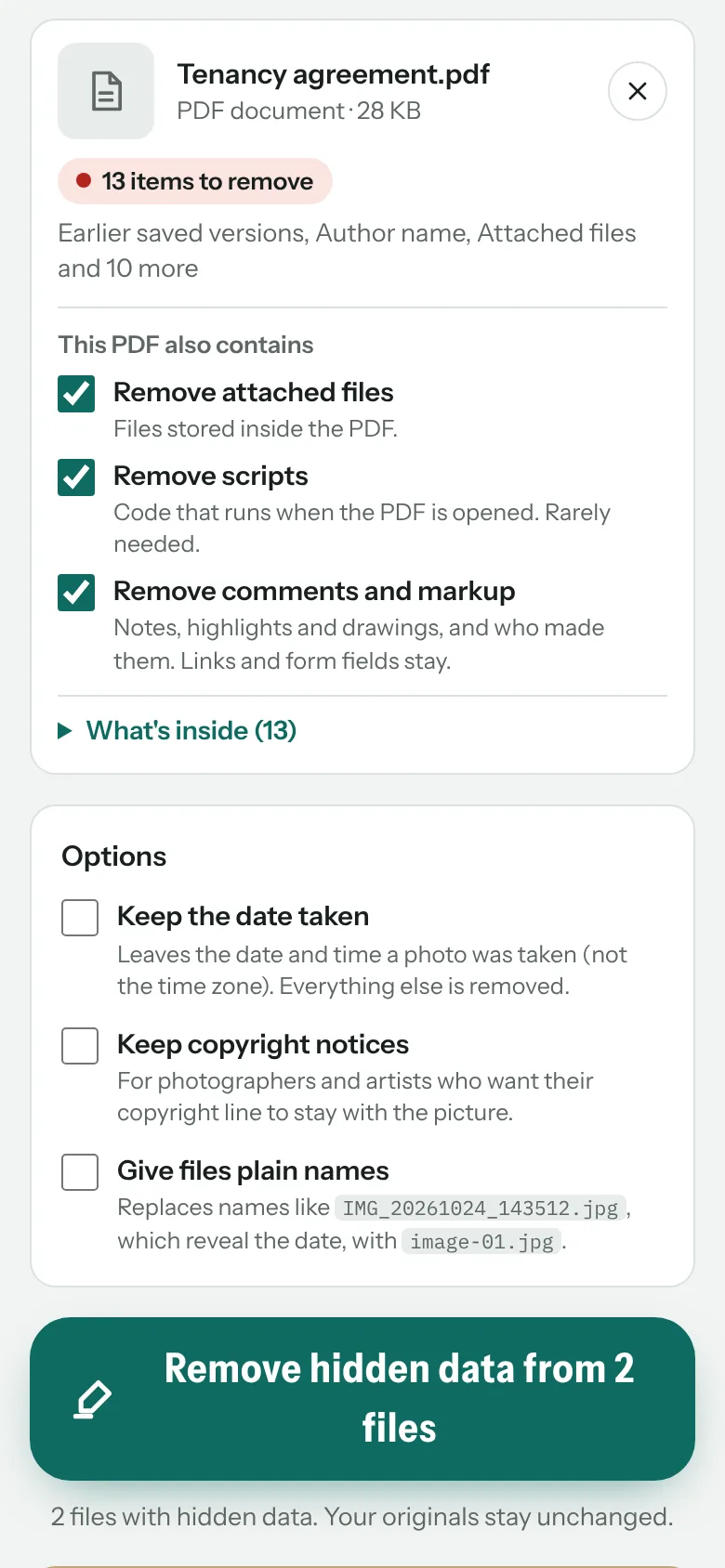
Author and app details, earlier saved versions that can hold deleted text, private editing data, page thumbnails and camera data in placed photos. You choose whether attachments, scripts and comments go.
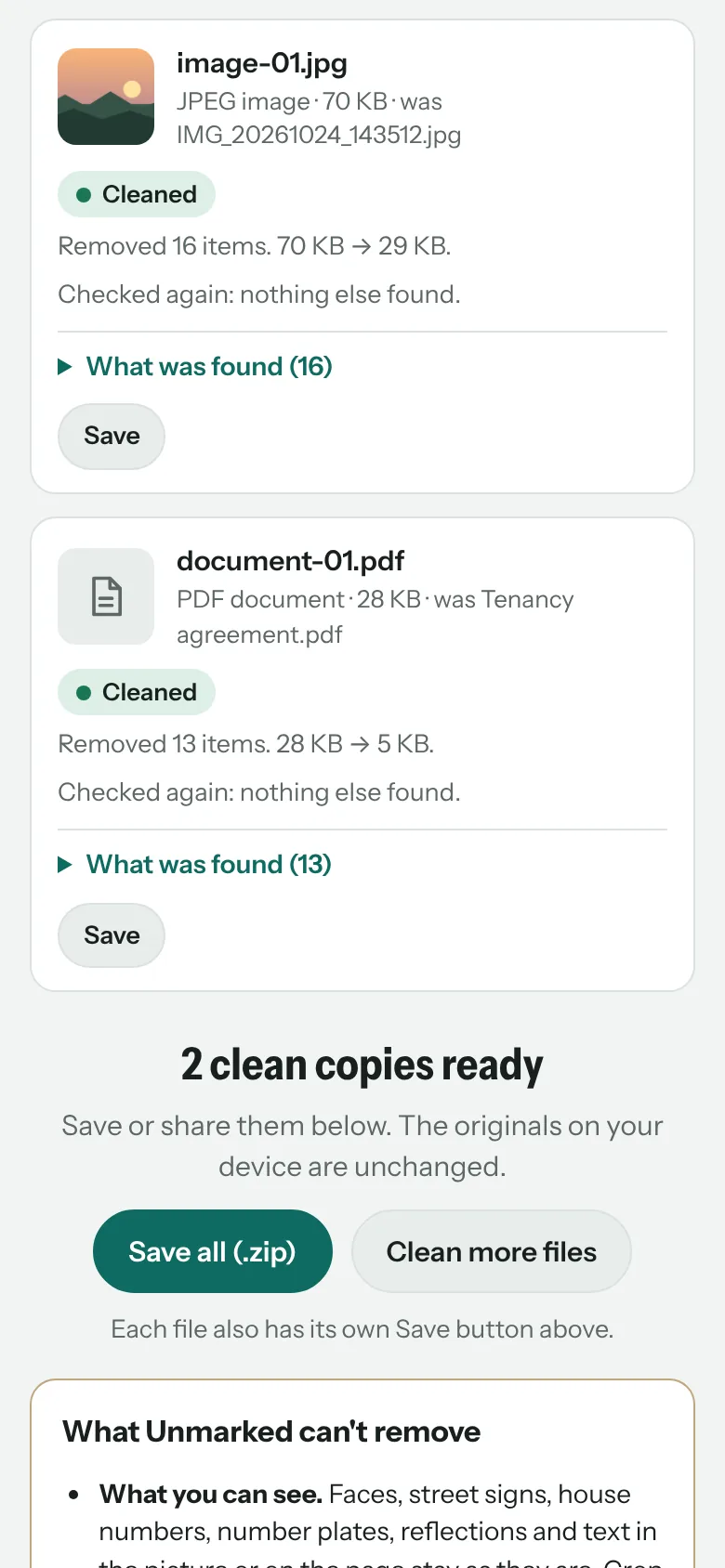
Checked twice
Every clean copy is inspected again before it’s offered, and anything left is reported.
Many files at once
Clean a whole batch in one go, mixing photos and PDFs, and save each file or all of them in one zip.
Your choice
Keep the date taken or a copyright notice if you want them, and give files plain names: a name like IMG_20261024_143512.jpg reveals the date too.
Private by design
No account, no server, no analytics. The web app blocks every network connection, and the Android app has no internet permission. Your original files are never changed.
What you need
- Any modern browser on a phone, tablet or computer: Chrome, Edge, Brave, Firefox or Safari.
- Or the Android app, which adds Share → Unmarked from any app.
- Photos in JPEG, PNG or WebP, or PDF documents. HEIC photos, encrypted PDFs and videos aren’t supported yet.
Questions
Is Unmarked really free?
Yes. No subscription, no account and no ads. If you find it useful, you can support it on Ko-fi.
Are my files uploaded anywhere?
No. Everything happens on your own device. The web app blocks every network connection, and the Android app has no internet permission, so your files can’t be sent anywhere.
Doesn’t social media remove this anyway?
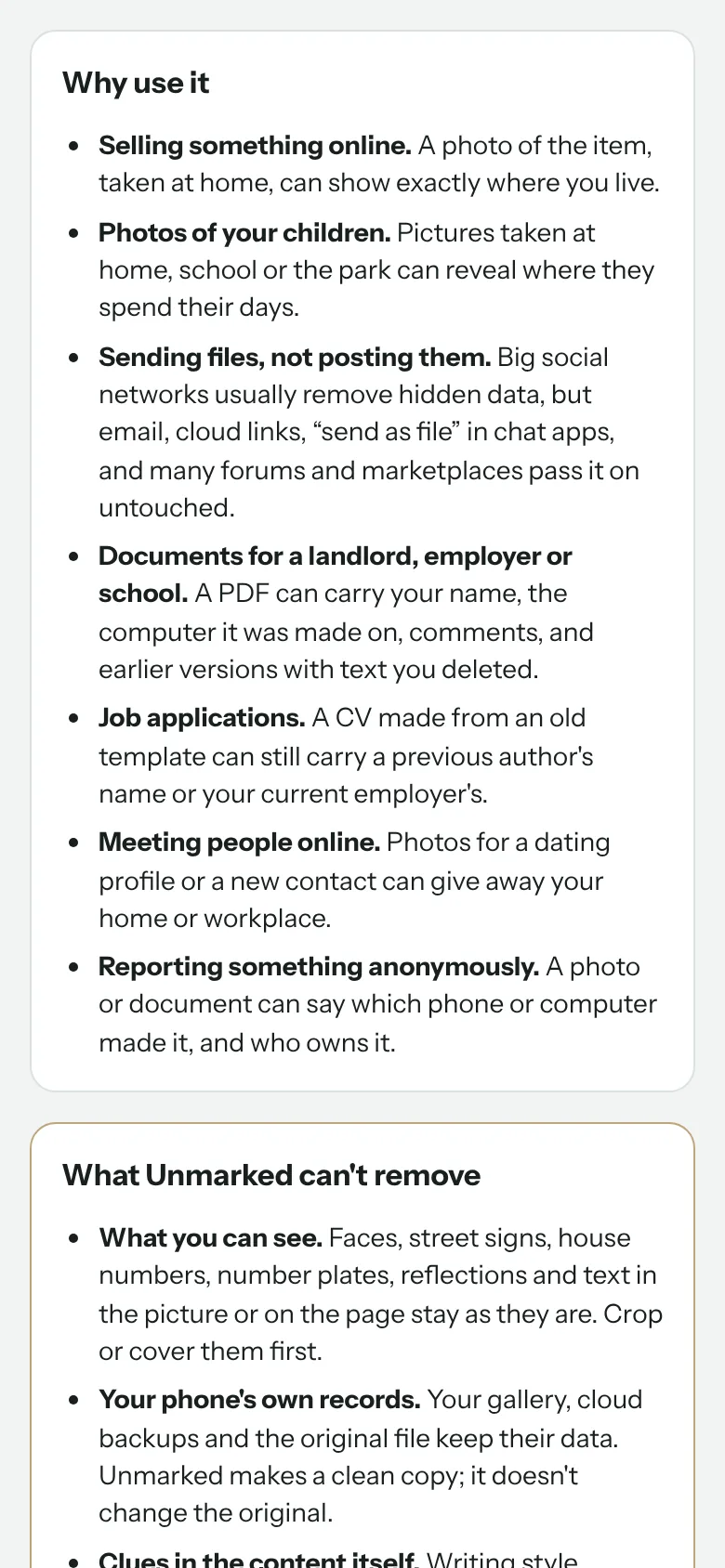
The big social networks usually do. Email, cloud links, “send as file” in chat apps, and many forums and marketplaces pass it on untouched.
Does it change my original file?
No. Unmarked always makes a clean copy. Your original, your gallery and your cloud backups keep their data, so share the clean copy.
Will the photo look worse?
No. Photos are cleaned without recompressing them: the picture data is copied exactly as it was.
What can’t it remove?
Anything you can see: faces, street signs, house numbers, number plates or text on a page. Crop or cover those first. It also can’t change copies already shared.
Why isn’t the Android app on Google Play?
Publishing there means registering with Google and handing over government ID, and Google is extending that check to apps installed from elsewhere. We think you should be able to install software you choose on a phone you own, so we support Keep Android Open and offer the app directly. The Android page explains how to install it and check it’s the official build.
Is the code open?
Unmarked is free software under the GNU GPL v3. The source code is on GitHub, and every Android release is built from it automatically, with a checksum to verify the download.
Unmarked is provided as it is, without any warranty. It removes the hidden data it knows about, but no tool can promise to find everything. Check the clean copy before you share anything sensitive.